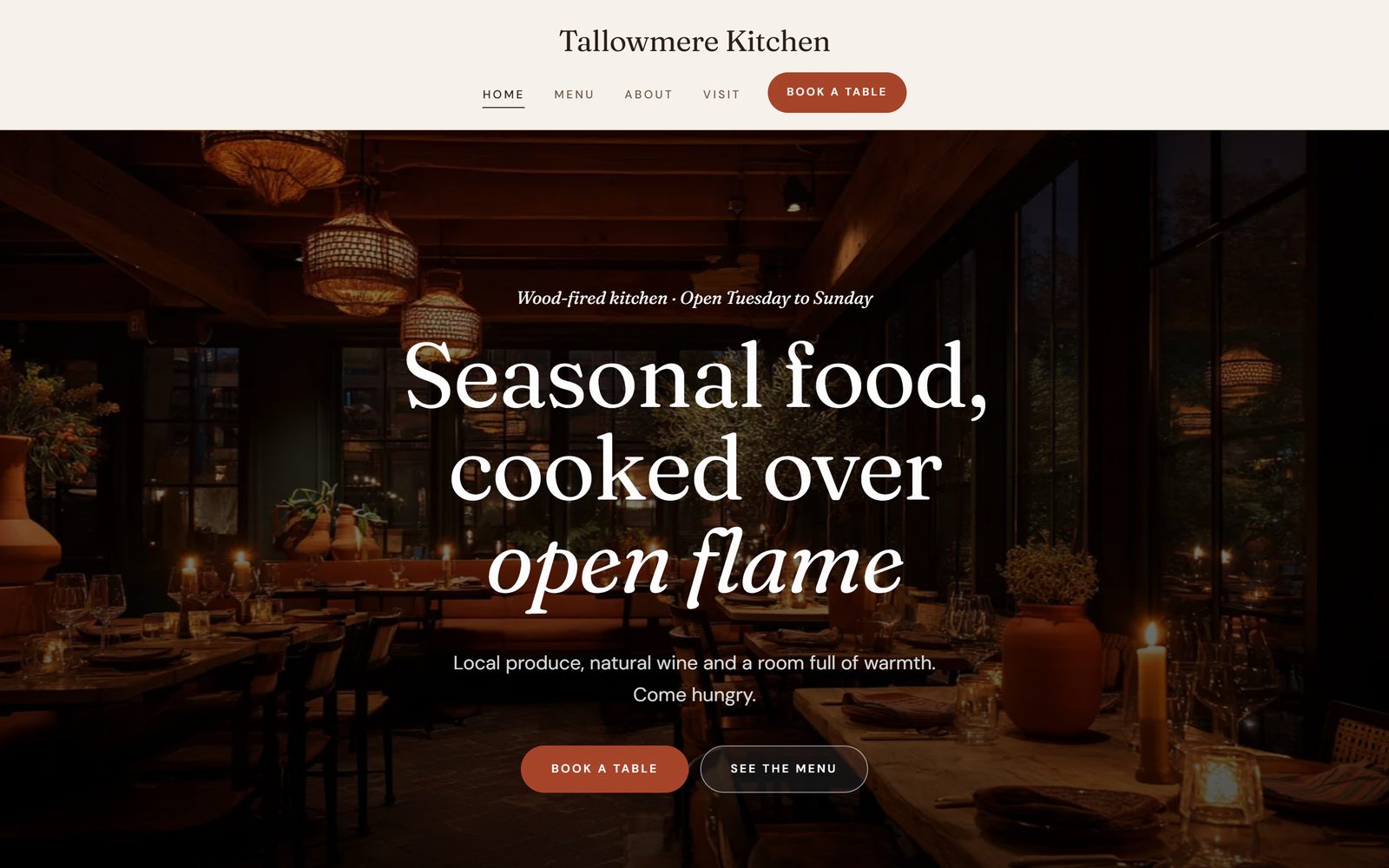
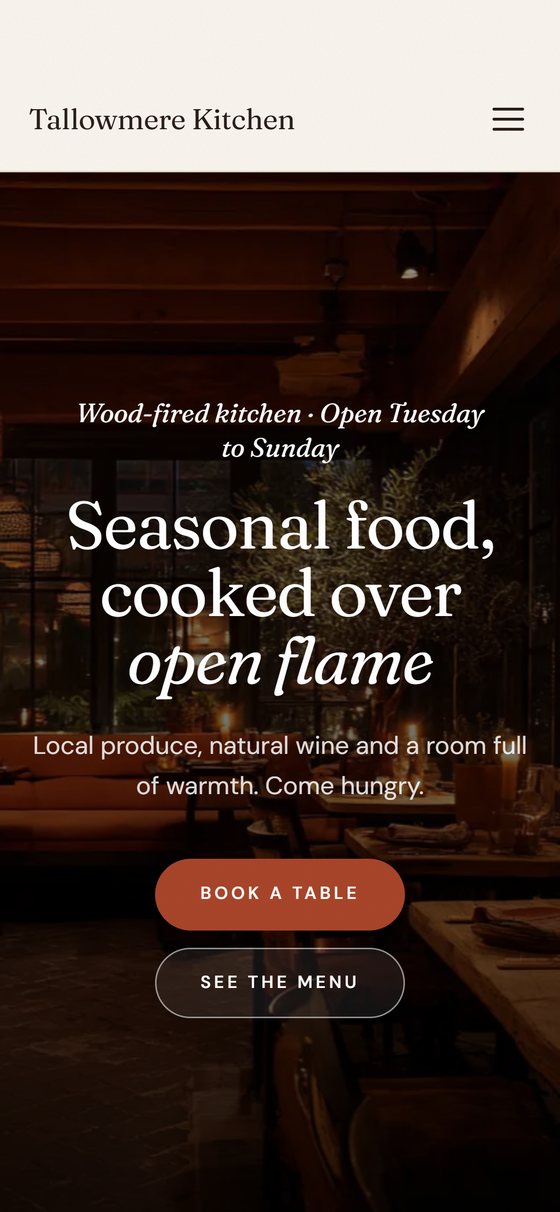
Restaurants and cafés.A menu, the hours and a table to book.

 VitaesmithThe résumé builder
Vitaesmith UltimateThe job seeker's whole kit
Interview booksThree books for the interview
Advanced interview booksFour books for working life
 CoppertallyInvoices and paperwork
 FoilwrightBusiness cards
 SigilwrightLogos and brand kits
 GlassmasonYour business website
 TableheraldSeating charts and the printed set
 YearbinderThe planner maker, in three editions
 PennyreckonerYours to spend todayComing
Every app: pay once, no subscription, no account.Show more
VitaesmithThe résumé builder
Vitaesmith UltimateThe job seeker's whole kit
Interview booksThree books for the interview
Advanced interview booksFour books for working life
CoppertallyInvoices and paperwork
FoilwrightBusiness cards
SigilwrightLogos and brand kits
GlassmasonYour business website
 TillmasonT-shirt prices and marginsComingTableheraldSeating charts and the printed set
YearbinderThe planner maker, in three editions
 SlatepenmanHandwriting sheets for a whole classComing
 SwashcutterMonogram and name cut filesComing
 Pewterham Vol. 1: VintageVintage ornaments, frames, and fontsComingPennyreckonerYours to spend todayComing
Every app: pay once, no subscription, no account.
Glassmason
Choose your industry, pick one of 119 templates, add your words and photos, and download a finished website as one .zip file, ready to put online with any web host, including free ones. No code, no subscription.
Hosting and a domain name aren't included: you put the finished website online yourself, and it can be free.The free companion book, Getting Your Website Online, shows you how, step by step.
Buying on this site opens in the next few days.
Restaurants and cafés.A menu, the hours and a table to book.
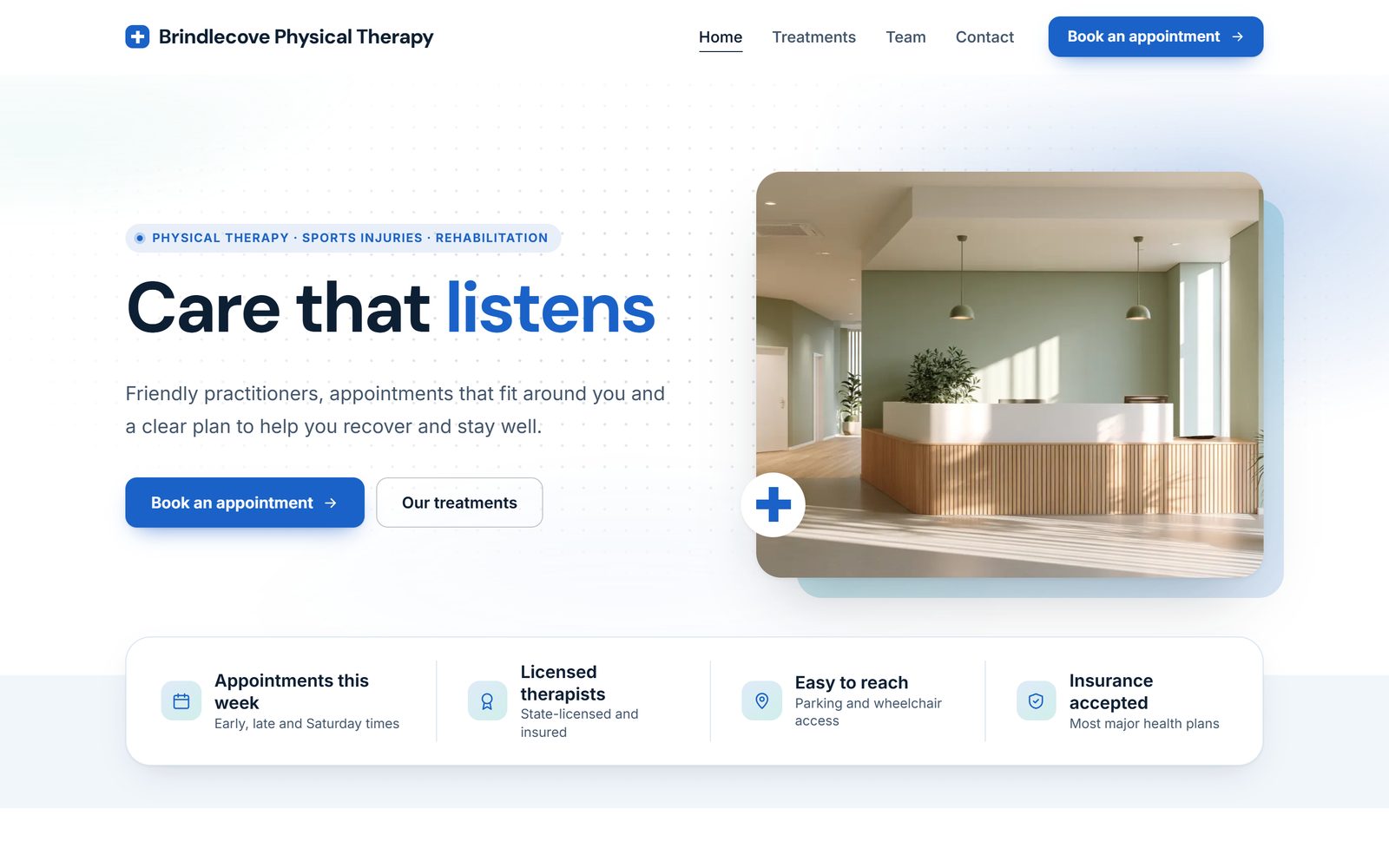
Health clinics.Treatments, the team and appointments.
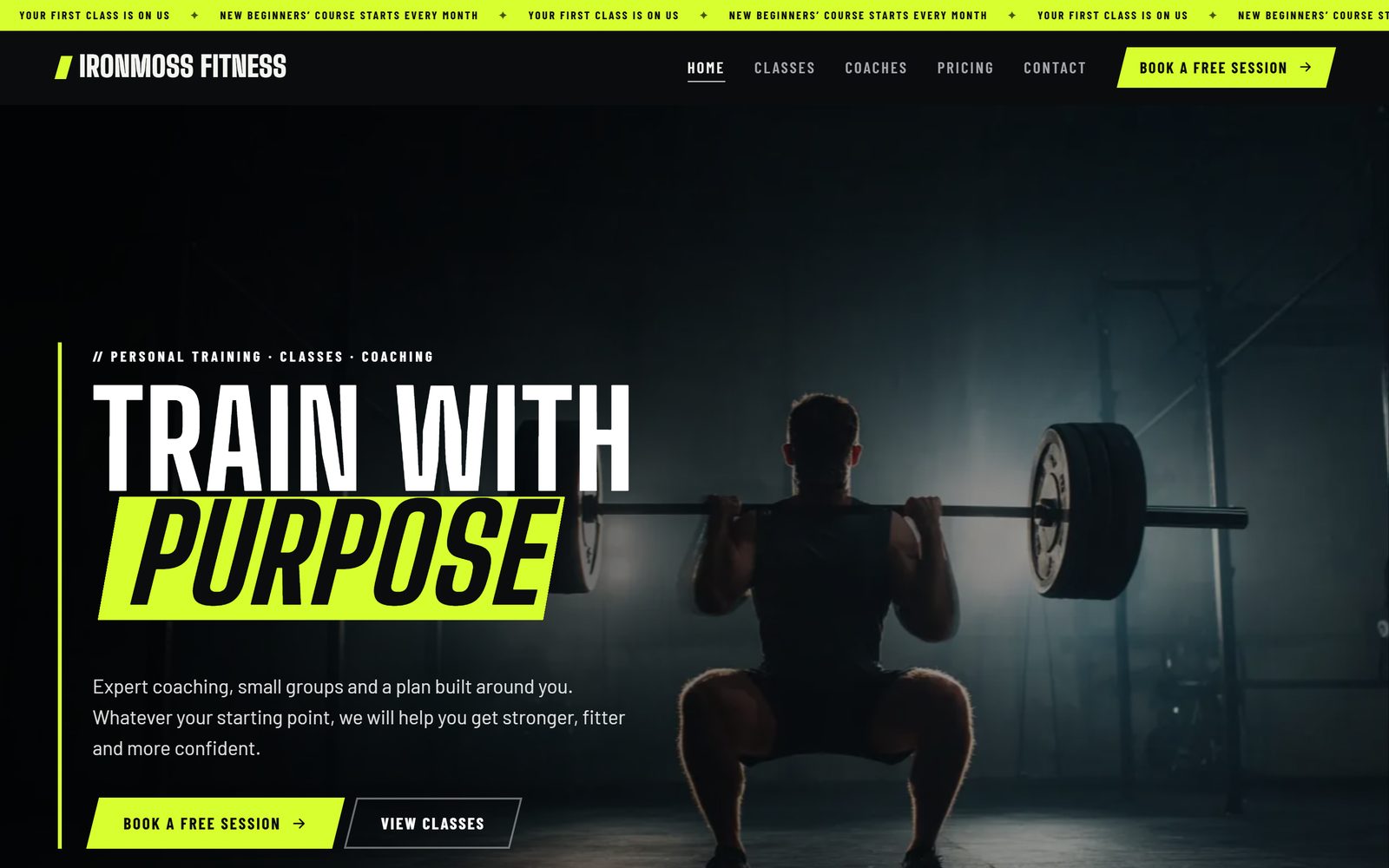
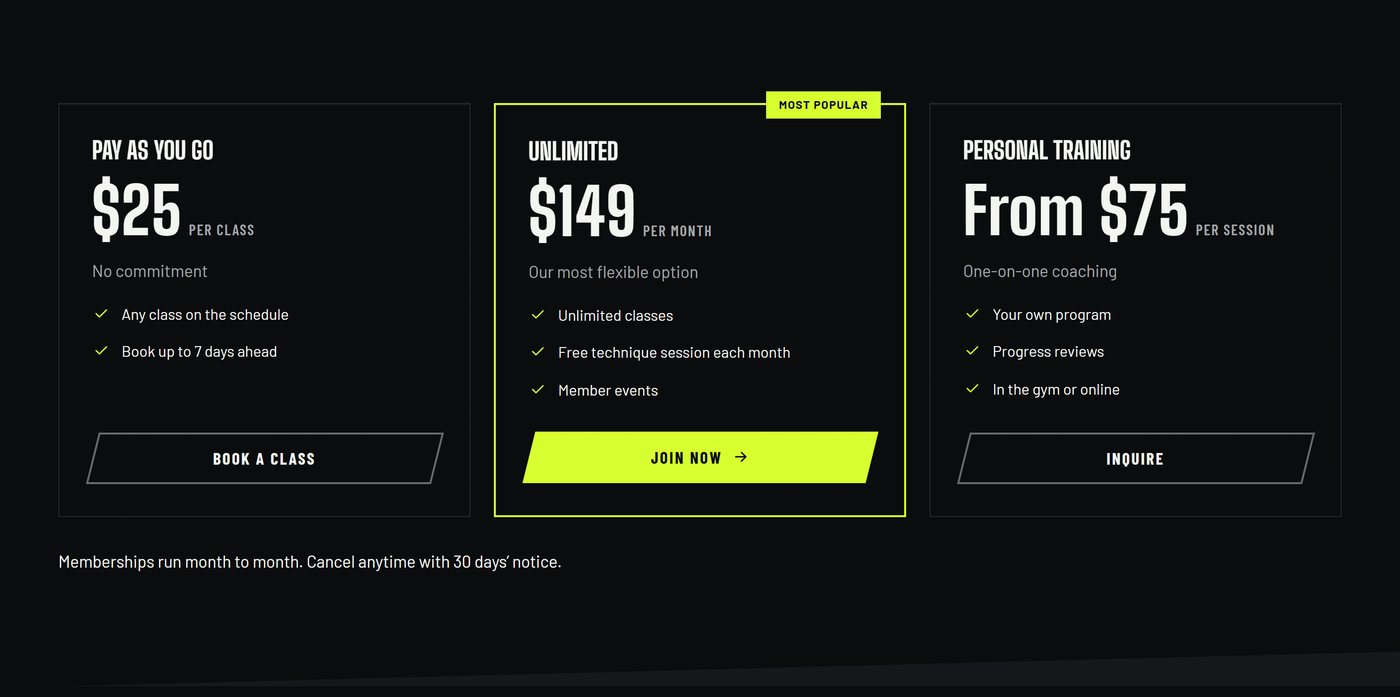
Fitness and coaching.Classes, a timetable and memberships.
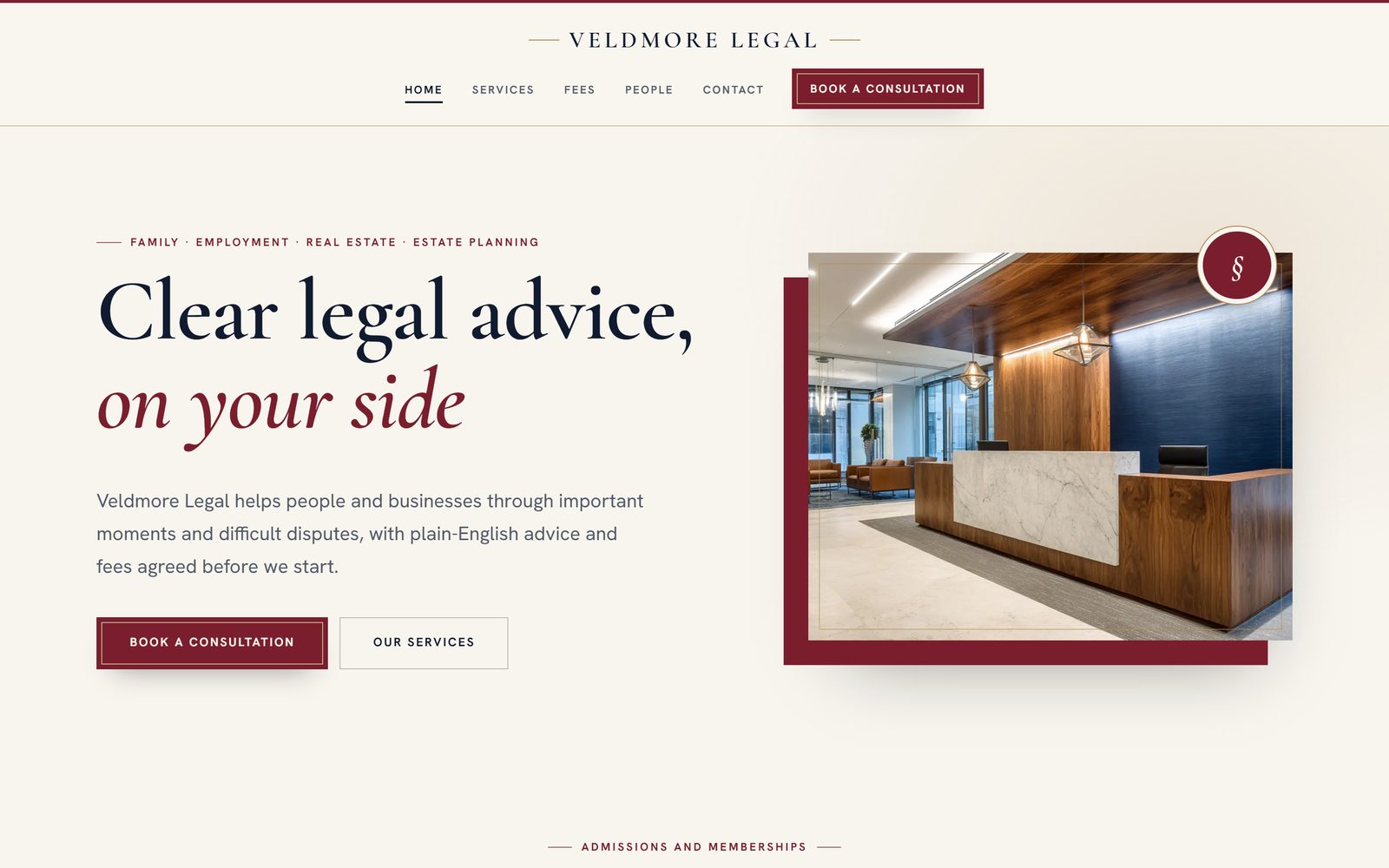
Law firms.Practice areas, the people and a consultation.
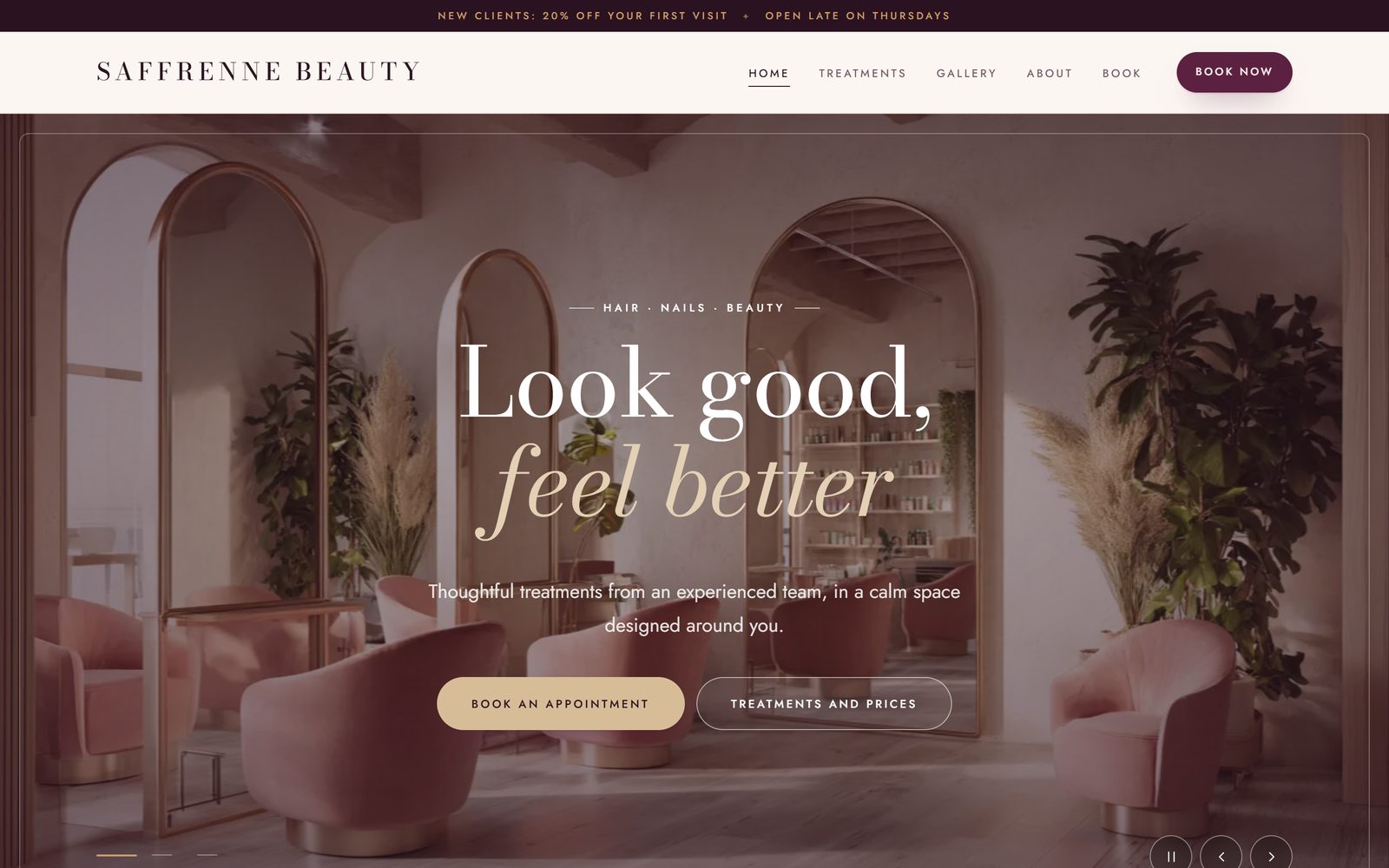
Beauty and salons.Treatments, prices and a booking button.
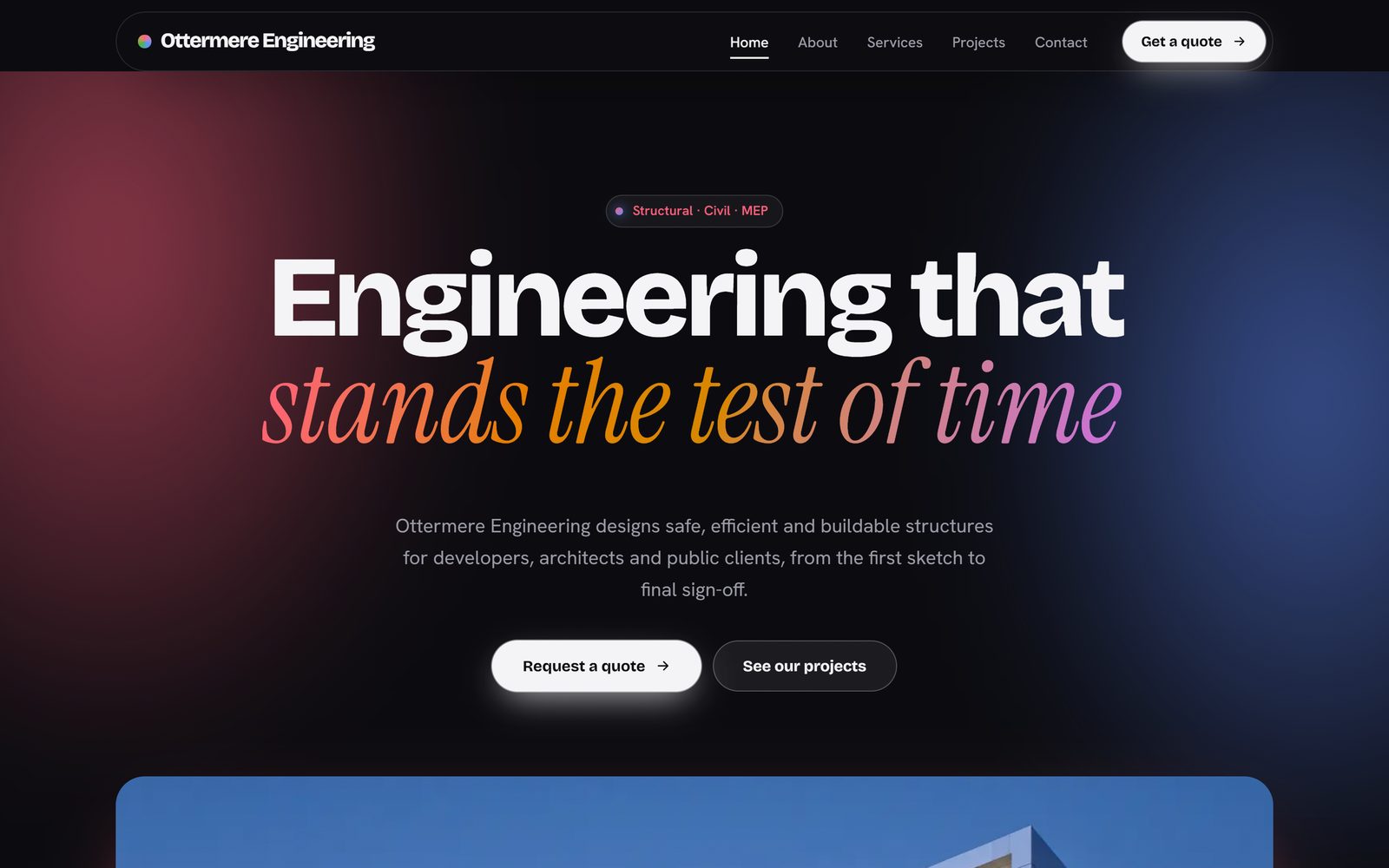
Engineering.Services, projects and a quote request.
Why Glassmason
A website shouldn't cost you every month. Glassmason makes yours on your own computer, and the finished website is yours to keep, to put online wherever you like, free hosts included.
Build
Start with your industry, then add your details, choose a template, colors and fonts, arrange your pages and sections, and write your words. The preview beside you shows your website as you go, a progress ring shows how far along you are, and "What's left" lists anything still to do.
Templates
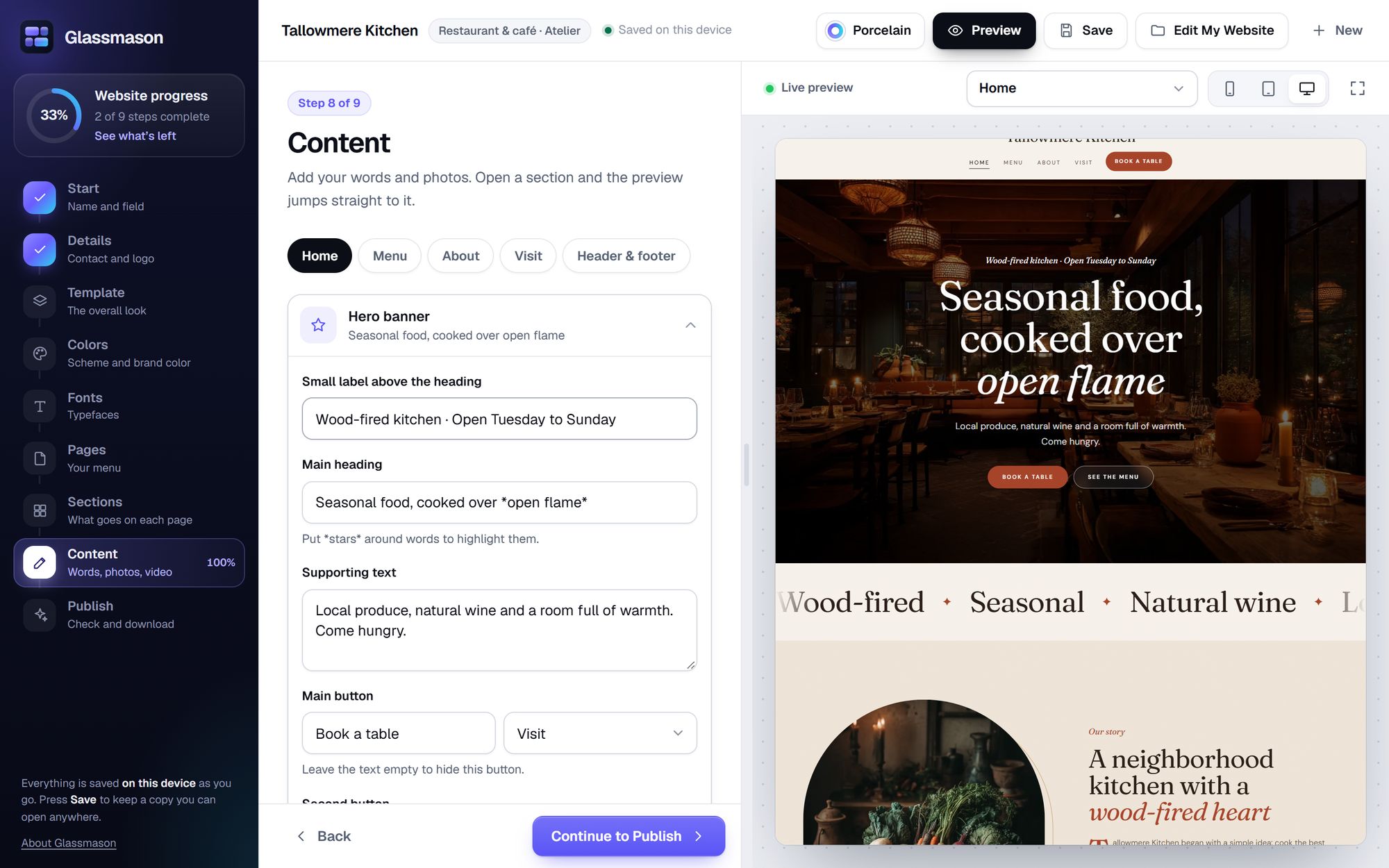
Glassmason is made for 10 industries. The best matches for yours come first, with starter pages and text written for it. Switch as often as you like: your words and photos stay put. Every template has several color schemes, or use your own brand color, and text colors adjust themselves so everything stays readable.
Sections
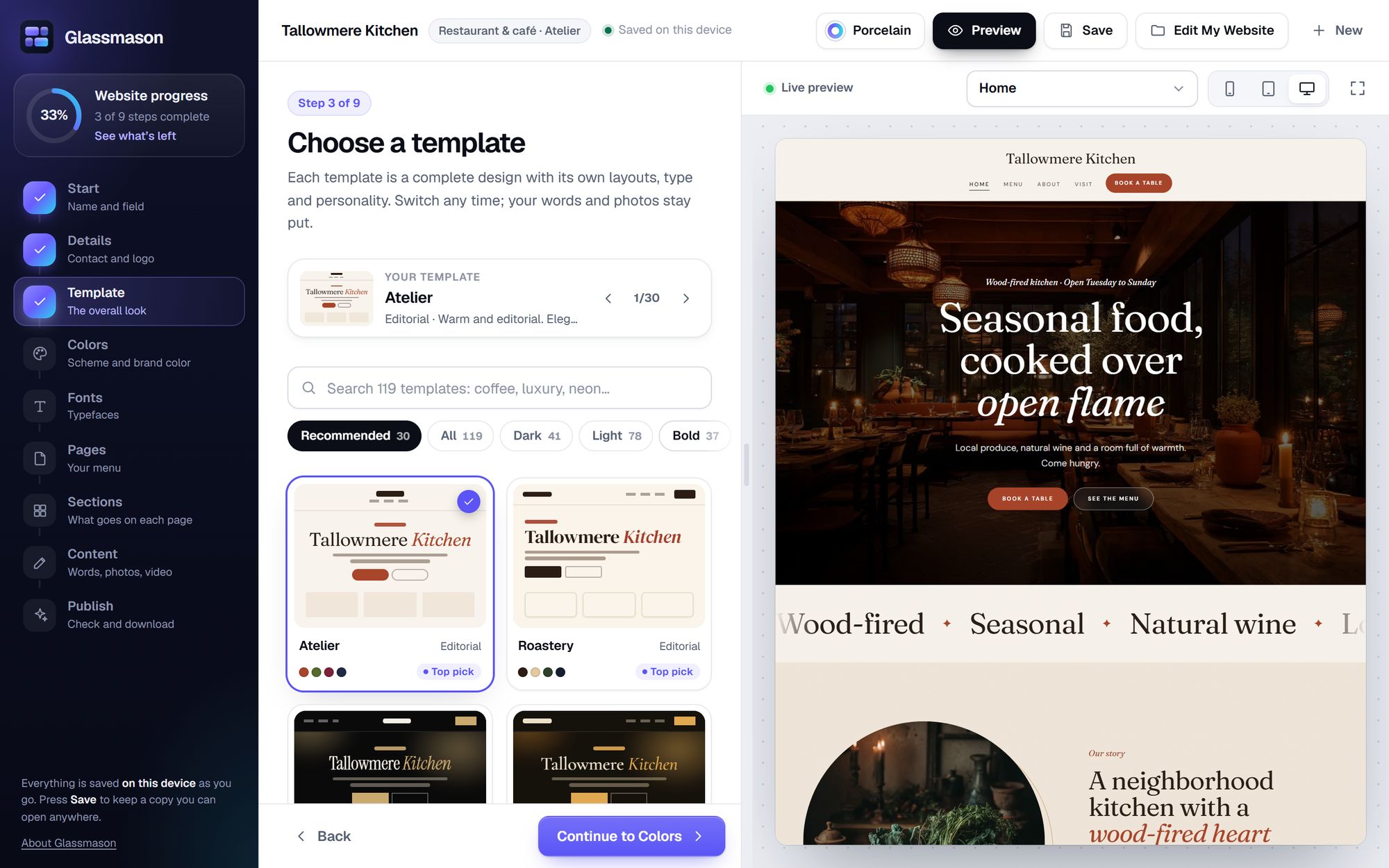
Choose what goes on each page and how each part is laid out: homepage slideshows, galleries, price lists, class schedules, before-and-after sliders, team pages, FAQs, contact forms and more.


Photos
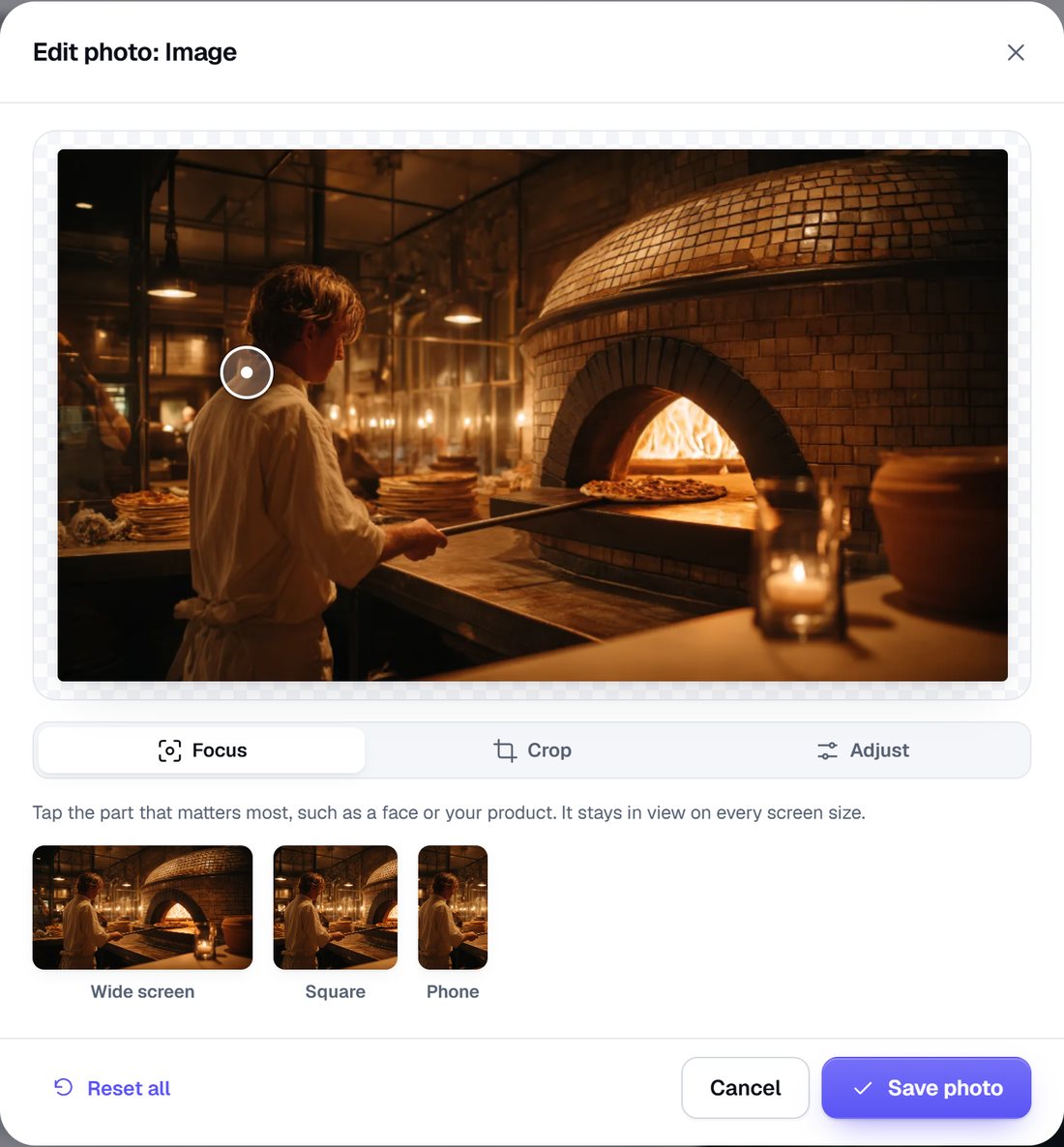
Every picture space starts with a sample photo that shows what works there. Add yours, and Glassmason resizes and compresses it, with smaller copies for phones, so pages load fast. Tap the most important part, such as a face or a product, and it stays in view on every screen. Crop, rotate, and adjust the brightness, color and warmth: your original is kept.
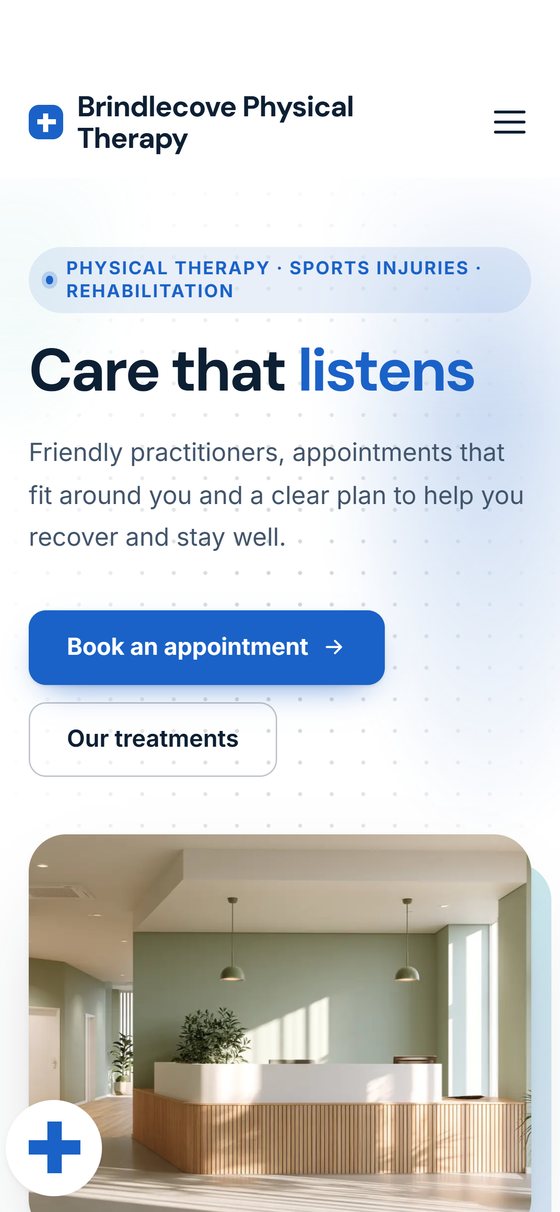
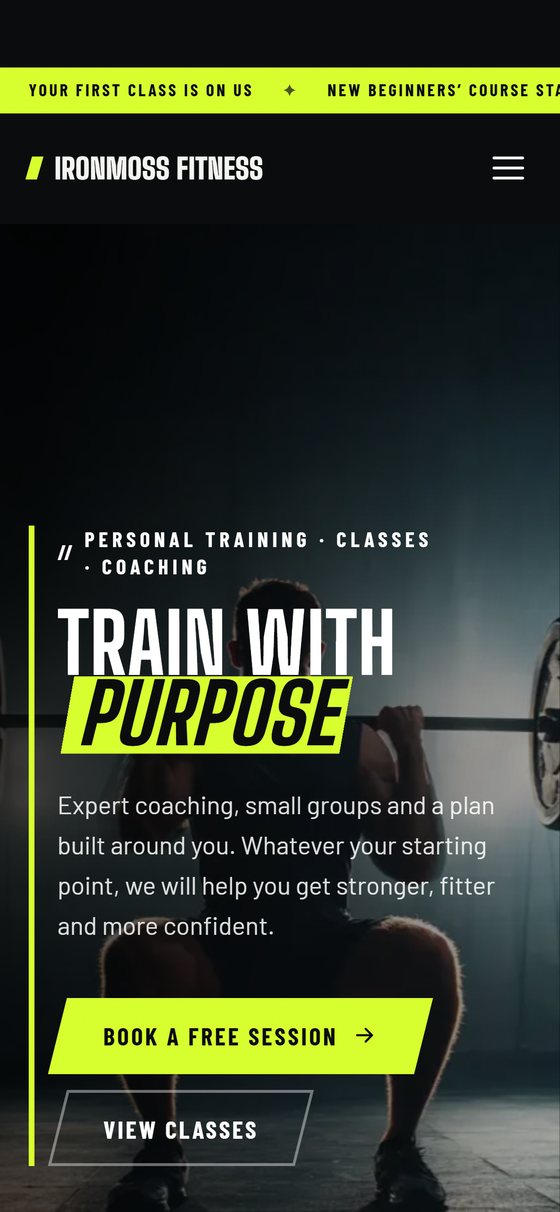
On a phone
Every website Glassmason makes fits a phone, a tablet and a wide monitor, and you can preview each size as you build.
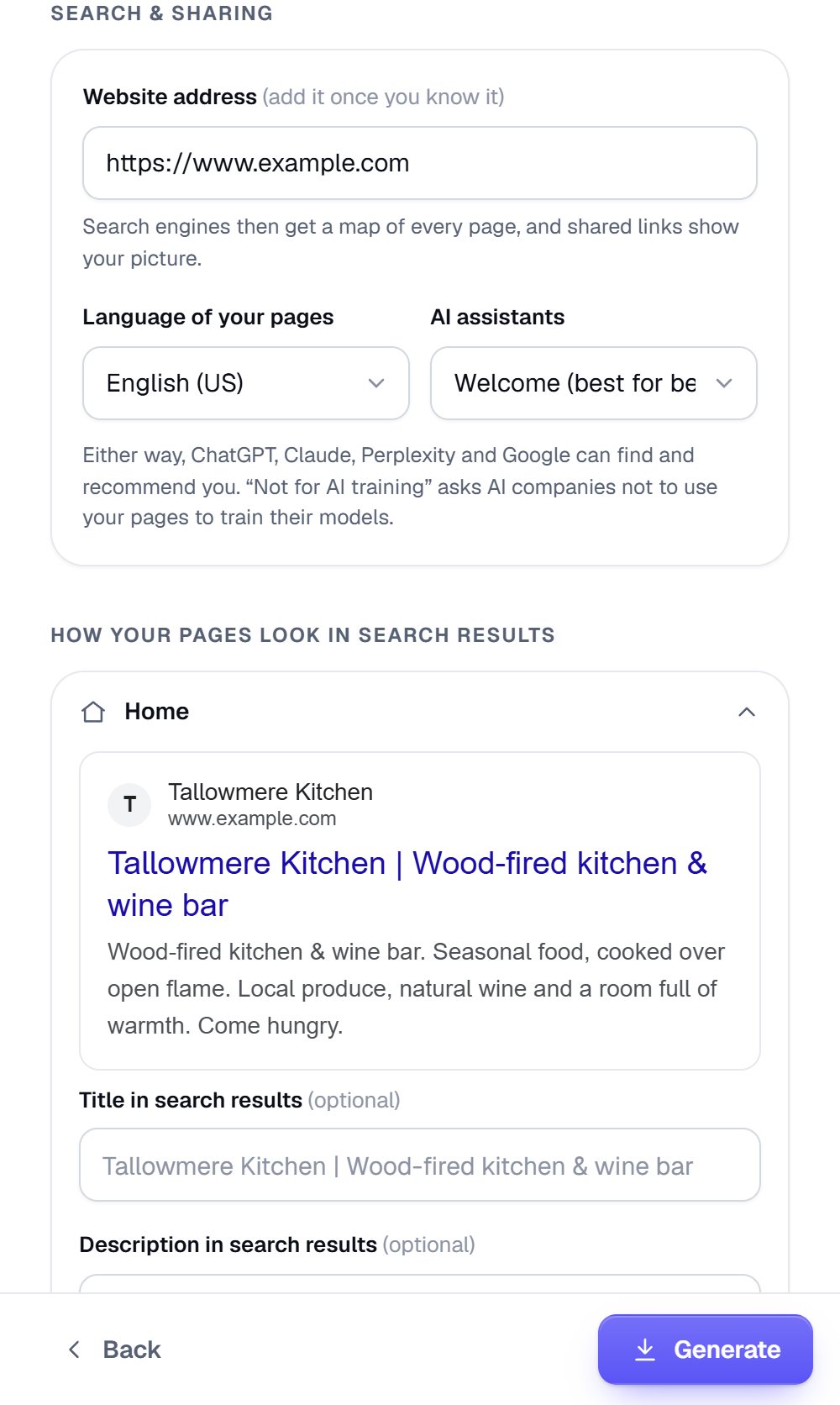
Search
Every page gets its own title and description for search results, and you see how each may look in Google. Glassmason writes the business details search engines read: your address, business hours, services, prices and FAQs, with a sitemap and a plain-language summary for AI assistants such as ChatGPT and Claude.
No one can promise a place in search results. Glassmason gives search engines what they read; the companion book explains the rest.
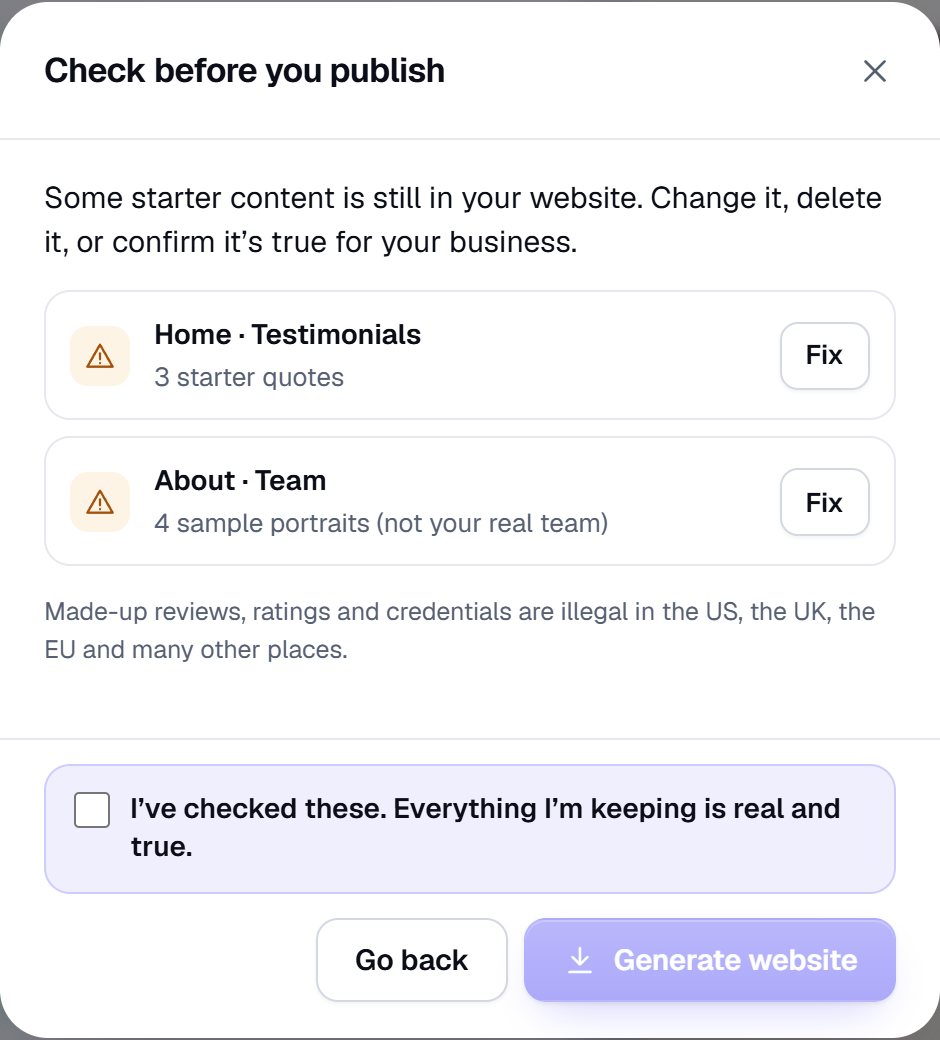
Before you download
Starter websites come with sample reviews, numbers and badges, so you can see what goes where. Before your download, Glassmason shows every one still there: change it, delete it, or confirm it's true for your business. Made-up reviews, ratings and credentials are against the law in the US, the UK, the EU and many other places.
Put it online
Hosting and a domain name aren't included.Your website can live on a free host, at the address it gives you, or at your own domain name, which you buy from a domain registrar. The companion book shows you both.
Free with Glassmason
Getting Your Website Online explains what the User Guide takes for granted: what a website, a host and a domain name are, how to choose them and what they cost, email at your domain, and how search works, step by step. A PDF, and a phone-friendly HTML file.
The Glassmason Companion
Getting Your Website Online
What's inside
Glassmason runs in your web browser, from a folder on your computer. Your words and photos are never uploaded: your website goes online only when you put it there.
Compare
Squarespace and Wix are good website builders that host your website for you. Glassmason is a different deal: you pay once, build on your own computer, and put your website online yourself. Here's how they compare, from each one's own pricing page, read on November 4, 2026.
| Feature | GlassmasonPewterham | SquarespaceWebsite builder | WixWebsite builder |
|---|---|---|---|
| What you pay | $44.99, once | Monthly or yearly; yearly costs less a month1 | A free plan; paid plans priced by the year, paid up front2 |
| Hosting | Not included: any web host, free ones too | Included1 | Included, on the free plan too2 |
| Your own domain name | Not included: you buy it from a domain registrar | Free for the first year on a yearly plan1 | Free for the first year with a paid plan; not on the free plan2 |
Prices and terms change: check their sites before you buy. Squarespace and Wix are trademarks of their owners; Pewterham isn't connected with them.
Glassmason
$44.99once · no subscription · yours for good · US dollars; any sales tax or VAT is added or included at checkout, as your country requires
Buying on this site opens in the next few days.
Glassmason makes your website; you put it online. Hosting and a domain name aren't included. We don't refund a change of mind once the download starts. If anything's wrong with it, we'll fix it, replace it or refund you. Terms and refunds
No. Glassmason makes your website and downloads it as one .zip file; you put it online with a web host. Hosting and a domain name aren't included, and the free companion book, Getting Your Website Online, walks you through both, step by step.
Yes. Cloudflare Pages and Netlify both have free plans that serve a website like yours, at an address they give you. A domain name of your own is the part you pay for, and only if you want one.
No. You choose, type and click; Glassmason writes the website. If you do know HTML, the download is a plain website you can open and change, though we can't help with code you change yourself.
Yes. Make as many websites as you like, for yourself or for clients, including paid client work. Please don't share or resell Glassmason itself. Read the license
Not by itself. Shop pages can link to your own payment links, and the contact form opens the visitor's email app, or sends messages to your inbox through a free form service such as Formspree. The companion book's chapter on forms, bookings and payments shows your options.
Yes. Save your website as a .glassmason file, open it again with Edit My Website, make your changes, then download again and upload the new .zip the same way.
Yes on a Mac: in Chrome or Edge, on Windows or Mac, opened from the folder you download, with nothing to install. It's made for a computer: START HERE shows how to keep a private online copy, to use it on a phone or a tablet.
Only once, for a moment, to activate your code. After that it works offline, until you put your website online.
We don't refund a change of mind once the download starts. If something's wrong with it, tell us: we'll fix it, replace it or refund you. Your legal rights aren't affected.
We read every message, and we keep improving.
Write to [email protected], about the app or anything else.